
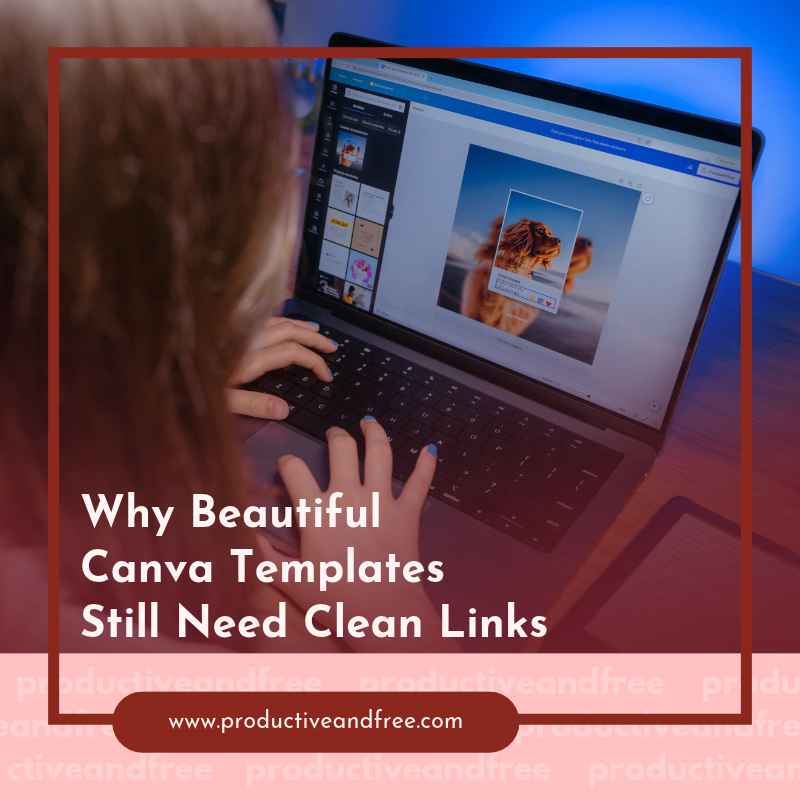
A polished Canva design can lose credibility when a long, cluttered URL interrupts the page. Random strings of letters, numbers, and tracking codes rarely match the care you put into fonts, colors, and spacing. They can also make readers hesitate before clicking.
Clean links help your templates feel consistent from the first page to the final call to action. They’re easier to read, share, and remember, giving presentations, workbooks, and lead magnets a more professional finish.
Aesthetics Extend to Every Line of Text
Every visible element affects how readers judge a design, including its URLs. A 60-character link can disrupt a carefully aligned footer or force an awkward line break inside a narrow text box. Clean links preserve white space and maintain the visual rhythm of the page.
Start by auditing links during your final design review. Check their length, capitalization, and placement alongside headings, captions, and page numbers. If your broader visual identity still feels inconsistent, advice on creating a custom logo design can also help you move beyond a recognizable template look.
Treat each displayed URL like any other line of copy. It should be legible, purposeful, and visually connected to the brand around it.
The Psychology of Branded Link Trust
People often inspect a destination before they click, especially when a document arrives through email or social media. A readable domain and clear keyword give them useful clues about where the link leads. A jumble of unfamiliar characters provides no such reassurance.
Branded links can also support recall. Someone who sees a short address such as “brand.com/planner” may remember it after closing the document. If you're comparing URL-shortening tools, Rebrandly offers a comparison of popular options, including their features, pricing, and suitability for different business needs.
Consistency matters here. Use the same approved domain format across PDFs, slide decks, and campaign graphics. This creates a familiar pattern that readers can recognize.

Making Slide Decks and Workbooks Clickable
A link that looks attractive still needs to work. Add hyperlinks to descriptive phrases such as “download the checklist” or “book your session,” so readers understand what will happen next. For printed copies, pair that text with a short visible URL or QR code.
Canva’s sharing settings also deserve attention. The distinction between brand templates and template links affects how others access and reuse your work. Confirm that collaborators receive the intended version and that customers can’t accidentally edit a master file.
Before publishing, export the design in its final format and test every link. Click through on a computer and phone, then ask someone without account access to repeat the test. This catches permission problems that creators often miss.
Designing for Seamless User Experience
Place links where readers naturally need them. A workbook exercise might end with a resource link, while a sales deck can connect its pricing slide directly to a booking page. Sending every click to a generic homepage adds an unnecessary search step.
Use descriptive linked text for digital documents and keep visible URLs short enough to type. Links should also stand apart through color, underlining, or a clear button treatment. Maintain strong contrast so readers can identify interactive elements without guessing.
Trust continues after the click. The destination page should match the promise, branding, and tone of the original design. This broader guide to building digital trust online explains why consistency across touchpoints shapes how people view your business.
The best final check is simple: open the exported file as if it came from someone else. Follow its main call to action and confirm that the link looks intentional, works immediately, and leads to the exact resource named on the page. That last detail can make a beautiful Canva template feel genuinely complete.
See the operational blind spots that can slow fast-growing product brands, from inventory and fulfillment to team workflows—and what to improve first.

See the operational blind spots that can slow fast-growing product brands, from inventory and fulfillment to team workflows—and what to improve first.
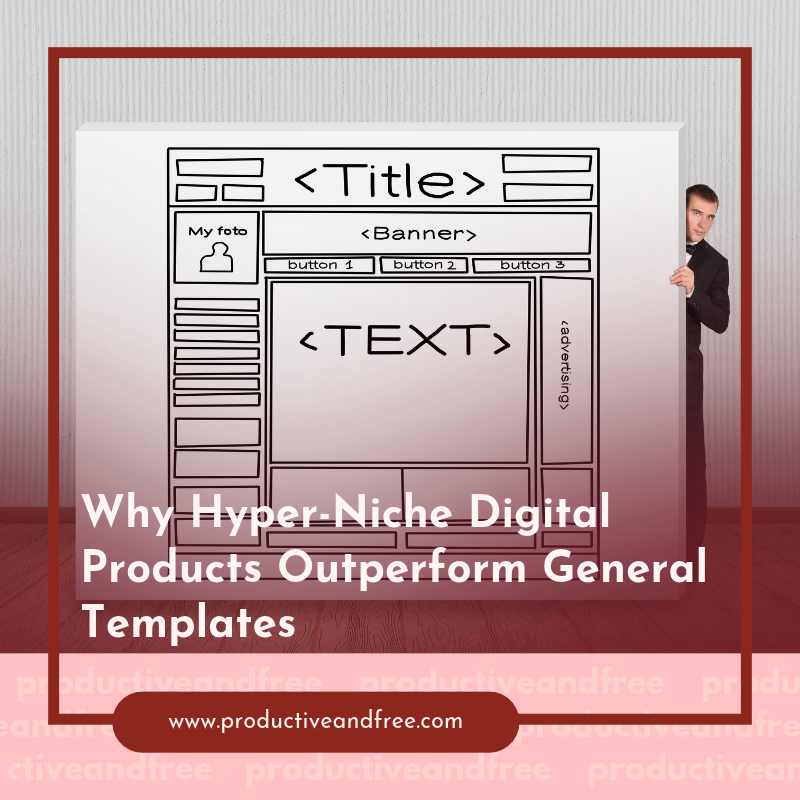
Explore why focused digital products can beat broad templates, from meeting precise customer needs to building trust and driving more relevant sales.

Build a vacation rental business that works with less day-to-day effort. Learn proven ways to streamline operations and create lasting rental income.
Digital product creators can streamline their business with better physical systems. Discover practical ways to organize tools, workflows, and daily operations.

Ready to stop hustling and start leading? Explore how solopreneurs can adopt CEO thinking, reclaim their time, and grow with purpose.
Explore strategies to help solopreneurs break free from constant content creation, streamline their process, and publish consistently with less effort.
Struggling with hurtful feedback affecting your sales? Explore practical tips to handle criticism and improve your business performance today.

Discover how scaling teams manage tech upkeep efficiently, saving time and boosting productivity. Learn strategies to streamline your processes today!
Discover how a backyard office can enhance your focus and productivity. Explore design tips and benefits for creating your ideal workspace at home.
Discover why proactive data strategies outperform reactive problem-solving. Learn how to anticipate challenges and drive success in your organization.
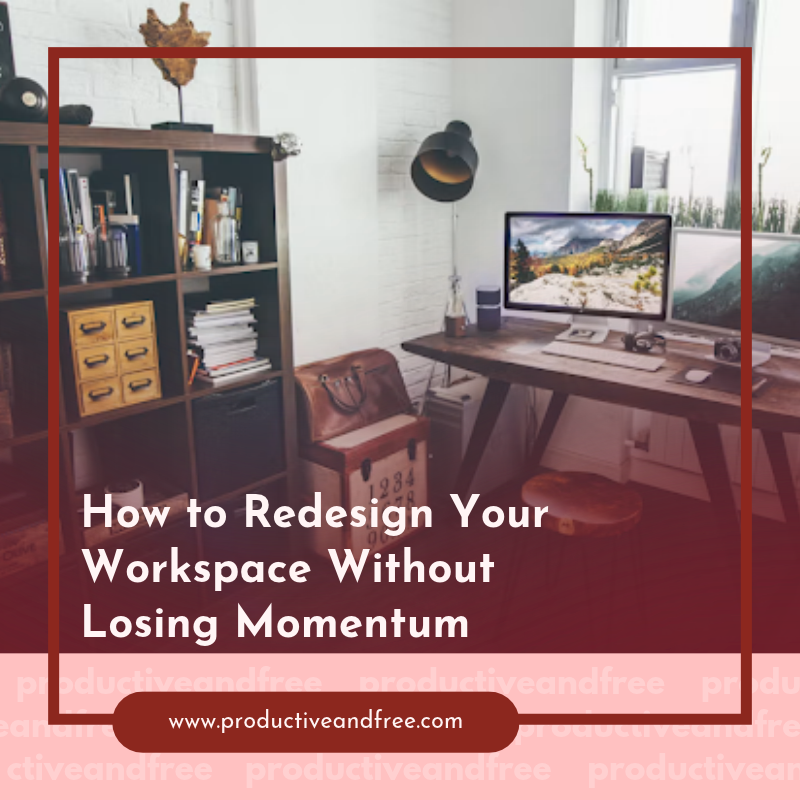
Redesign your workspace effortlessly! Explore practical tips to enhance your environment while keeping your productivity levels high and your focus sharp.

Explore the evolution of digital automation as it ventures outdoors. Find out how it's revolutionizing sectors like farming, construction, and transportation.

Navigate the commercial property market with confidence. Our comprehensive guide offers expert advice on choosing the right space for your business needs.

Transform your raw acreage into a profitable retreat space with our comprehensive guide. Find out how to attract visitors and boost your revenue effectively.
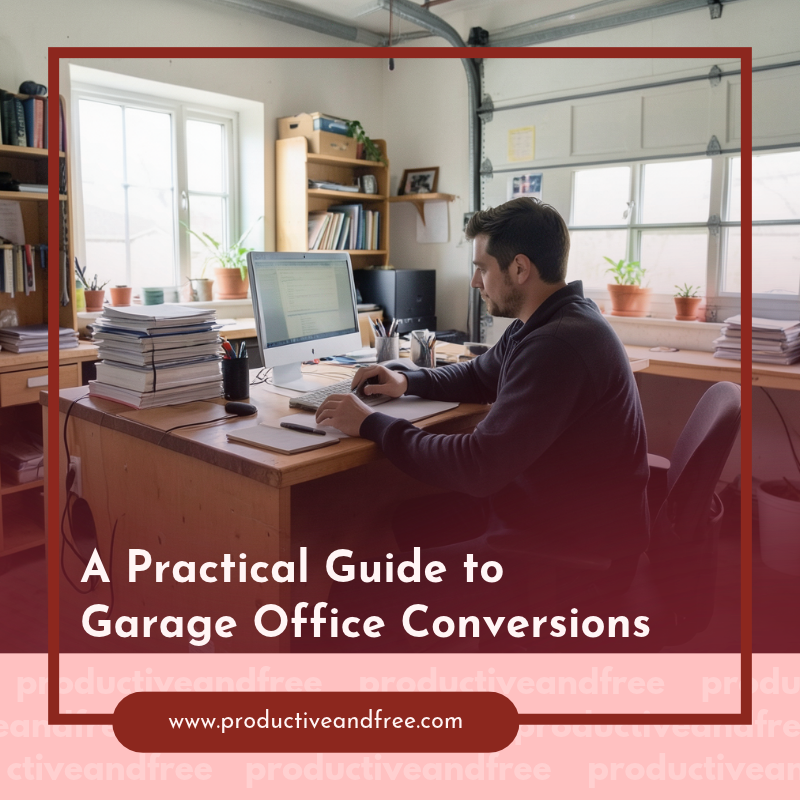
Transform your garage into a functional office space with our practical guide. Discover tips, design ideas, and essential steps for a successful conversion.

Discover how to transform vacant land into a lucrative passive income stream with our expert tips and strategies. Start earning today!
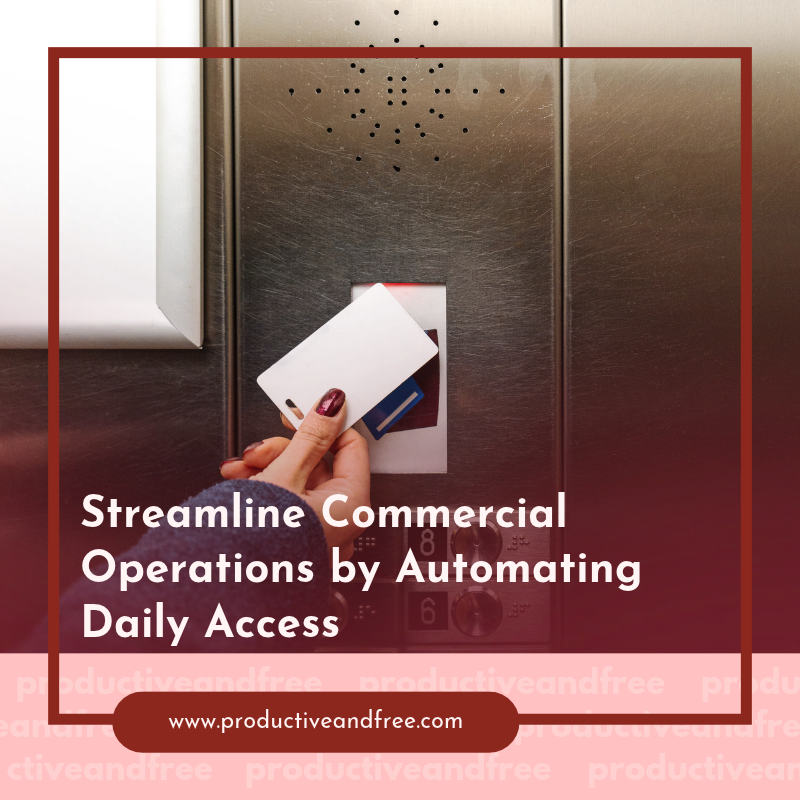
Boost your commercial operations by automating daily access. Explore effective strategies to streamline processes and enhance your business performance!

Discover how corporate boat hire can elevate your enterprise hospitality experience. Explore the benefits and make your next event unforgettable!

Transform your marketing strategy with our expert blueprint! Learn how to maximize ROI and create successful paid campaigns that engage and convert.

Unlock the secrets to transforming in-person interactions into email leads. Learn proven techniques to enhance your lead generation strategy!

Explore the transformative benefits of BJJ for women and children. Learn how this martial art fosters confidence, discipline, and valuable life skills!

Unlock the secrets to international growth with our Operations Playbook, designed to guide your business expansion beyond domestic borders effectively.
Ready for lasting change? Learn how to build better habits with our proven techniques and tips. Start your journey to a better you today!
Elevate your online presence with our modern playbook for sustainable organic traffic. Learn effective techniques to attract and retain visitors ethically!
Learn the essential steps to create and scale your online course business. Our complete guide offers tips for success and maximizing your reach!

Discover how traveling can enhance your understanding of customer needs and preferences. Learn valuable insights to boost your entrepreneurial success.
Explore the benefits of operational checklists for service businesses. Increase productivity, reduce errors, and ensure top-notch service delivery with ease!
Maximize your Canva lead magnets to generate daily traffic. Explore effective techniques to attract more visitors and enhance your online presence!
Share in the comments below: Questions go here

Make every Canva design easier to share with clean, polished links. See why link quality matters as much as a beautiful template.