
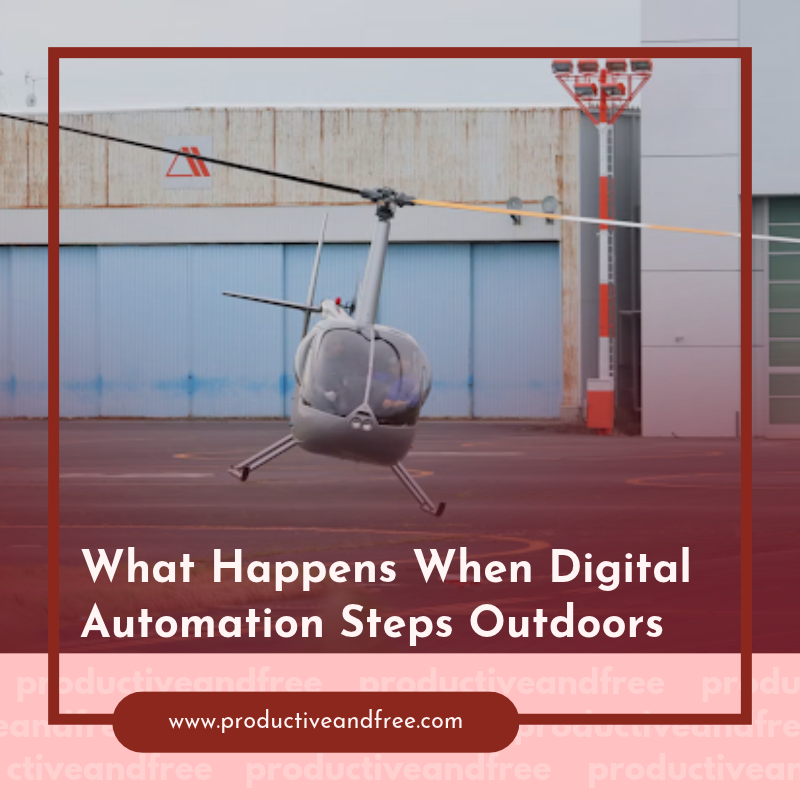
Digital automation becomes more useful when it can trigger work beyond a browser window. Scheduling software, cloud dashboards and automated reports already save teams hours, but many operations still depend on someone physically checking a site, collecting readings or documenting changing conditions.
Connected sensors, autonomous aircraft and coordinated software are extending productivity systems into outdoor settings. They can carry out scheduled tasks, collect consistent records and send results to the people who need them. The biggest gains come from treating these tools as part of a clear workflow, complete with defined triggers, review steps and ownership.
The Limits of Screen-Only Productivity
Most productivity tools work best when the underlying task already lives online. A form submission can create a project, an invoice can trigger a reminder, and a completed order can update a dashboard. These workflows reduce repetitive administration and prevent small tasks from slipping through the cracks.
The limits appear when software needs fresh information from a physical location. A facilities manager may need current roof images after severe weather. A construction team might track changes across a large site each Friday. Utility operators may need regular visual records from remote infrastructure. In each case, a dashboard can organize the results, but it can’t collect them on its own.
This gap often creates hidden manual work. Someone travels to the location, follows a checklist, labels the files and uploads everything to the right folder. Weather, staffing and inconsistent capture methods can all affect the final record. Even a well-designed digital workflow stalls if the physical input arrives late or in the wrong format.
That’s one reason companies should assess digital automation limits before adding more apps. Map the full process from the initial request through physical data collection and final review. Mark every point where a person must leave the system to observe, measure or document something. Those handoff points show where outdoor automation may offer practical value.
Bridging Software and Physical Operations
A productive field automation system connects four elements: a trigger, a physical task, a data destination and a review process. If any one of these is vague, the technology may create more files without producing better decisions.
Consider a commercial site that needs a visual progress record every Monday morning. The calendar supplies the trigger. An autonomous system follows a defined route and captures the site. Once the mission ends, it transfers the files to a cloud platform, where software sorts them by date and location. A project manager then reviews exceptions, compares progress and assigns follow-up work.
This structure reflects the wider concept of coordinated physical AI, where connected machines and software work from shared operational signals. Coordination matters because an isolated device still leaves employees managing schedules, file transfers and alerts by hand.
Teams evaluating dock-based aircraft should start with mission requirements before comparing specifications. Range, operating conditions, sensor options, charging cycles and remote management features all affect deployment. A detailed comparison involving the DJI Matrice 5TD can help enterprise buyers examine how newer and earlier dock systems differ across professional applications and deployment needs.
Keep the first trial narrow. Choose one repeatable task at one controlled site, then document who approves missions, who receives alerts and how quickly someone must review flagged results. A focused pilot reveals workflow problems before they spread across multiple locations.
Autonomous Systems Built for Scheduled Missions
Scheduled missions work well for repetitive tasks where consistency matters more than improvisation. A preplanned route can capture the same viewing angles at the same time each week, making changes easier to spot. That regularity supports construction documentation, asset inspection, environmental observation and emergency response planning.
Autonomy still needs boundaries. Teams must define acceptable operating conditions, approved routes, access permissions and clear stop rules. Weather thresholds deserve particular attention because wind, precipitation and visibility can change quickly outdoors. Local requirements may also govern where and how an aircraft can operate, so qualified personnel should review each deployment before routine scheduling begins.
A useful operating plan answers a few practical questions:
What event starts, delays or cancels the mission?
Who receives a system alert?
How long can captured data wait for review?
What happens when the route can’t be completed?
Who maintains the equipment and verifies readiness?
These details turn an impressive demonstration into a dependable business process. The same principle appears in discussions of automation-driven growth: gains come from redesigning workflows and assigning responsibility, not from installing technology in isolation.
Connect mission scheduling to the system your team already checks. That could be a maintenance platform, project board or operations dashboard. The guide to productivity systems for delivery-based businesses offers a useful framework for building repeatable handoffs, tracking status and preventing work from getting trapped in separate tools. The same workflow logic applies when the “delivery” is a set of field observations.
Turning Real-World Capture Into Usable Data
Outdoor automation can generate large volumes of images, video and sensor readings. Without a plan for processing that material, teams trade a fieldwork backlog for a review backlog. Usable data needs structure from the moment it enters the system.
Begin with a naming standard tied to date, site, route and task. Store raw files separately from reviewed outputs and set retention periods based on operational needs. Then decide which results need human attention. Software may flag a temperature difference, an unexpected object or a visible change between two scheduled captures, but a qualified reviewer should confirm what the alert means.
Set reporting rules around decisions instead of file counts. A project manager probably doesn’t need 800 unsorted images. A short report showing three material changes, their locations and links to supporting records is far more useful. This is where digital automation productivity becomes measurable through faster review, fewer repeated visits and clearer task assignment.
Access controls also need to follow the data through its full life cycle. Limit raw records to people with a work-related need, record who changes annotations and remove files once their retention period ends. If capture could include neighboring property or members of the public, plan routes and camera settings to reduce unnecessary collection.
Finally, measure the workflow after several mission cycles. Track mission completion rates, review time, false alerts and follow-up response times. If employees consistently export data into spreadsheets or rename files by hand, the integration still has a gap. Fixing that gap may produce more value than adding another device.
The clearest sign of successful outdoor automation is a routine morning report that arrives on schedule, highlights only the changes that matter and sends each follow-up task to a named owner. At that point, physical capture has become part of the productivity system instead of another source of administrative work.




























Share in the comments below: Questions go here

Discover how a backyard office can enhance your focus and productivity. Explore design tips and benefits for creating your ideal workspace at home.