
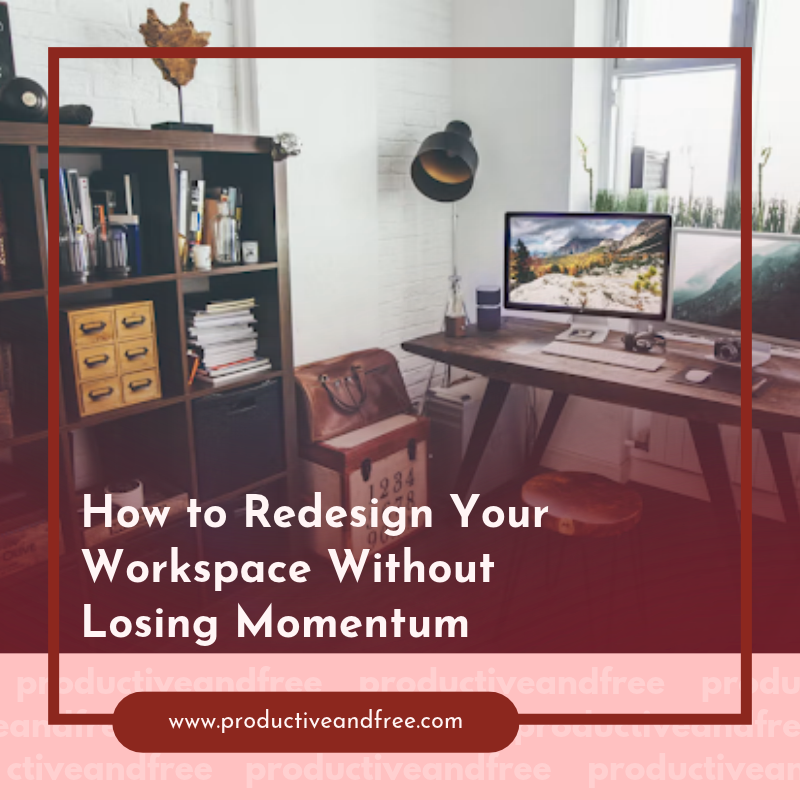
A workspace redesign can improve focus, comfort and efficiency, but the project can also interrupt the work that pays the bills. The best way to keep moving is to treat the redesign as an operational project with clear limits, protected equipment and a usable temporary setup.
Before anyone shifts a desk or opens a paint can, decide what work must continue and what can briefly pause. A few practical rules will prevent the project from spreading into every corner of the workday.
Set Clear Renovation Boundaries
Define the physical scope, schedule and budget before work begins. Write down which rooms or zones are included, what will change and what will stay untouched. If you’re updating a home office, for example, the project might include painting one wall, replacing a desk and improving lighting. Adding built-in shelving halfway through the job can extend the timeline and leave you working from the kitchen longer than planned.
Set working hours for the project as well. Noisy or dusty tasks can happen after your core business hours, while quiet jobs such as assembling furniture may fit into a lighter afternoon. A written schedule also helps contractors or family members understand when the space needs to remain quiet.
Build some flexibility into your deadline. Guidance on office remodel planning recommends creating a phased schedule to reduce disruption. Even a small workspace project can run late because a delivery is delayed or a repair takes longer than expected. A two-day buffer gives you room to handle those surprises without moving calls or missing deadlines.
Finally, create a firm rule for scope changes. Any new idea should be evaluated for its cost, completion time and effect on daily work. If it isn’t necessary for the workspace to function, add it to a future-project list instead of squeezing it into the current redesign.
Audit Tools Needed for Daily Operations
Make a list of everything you use during a normal workweek before packing the room. Start with the obvious items, including your computer, charger, phone and internet equipment. Then look at the smaller tools that are easy to overlook, such as a headset, notebook, external drive, task light or client files.
Review your calendar while creating the list. A designer who has a presentation on Thursday may need a drawing tablet and sample materials. A consultant with several video calls will need a neutral background, reliable lighting and access to a microphone. Your temporary setup should support the work already scheduled, not an imaginary average day.
Sort the remaining items into three groups: needed daily, needed occasionally and not needed until the redesign is finished. Label boxes according to those categories so you don’t have to unpack everything to find one cable. Keep the daily group with you and place occasional items somewhere accessible.
If the project will take several weeks or requires clearing the entire room, a portable storage container rental can give individuals and businesses in the Dallas and Fort Worth areas temporary space for furniture, boxed records and other workspace contents. Measure larger pieces first and create an inventory before anything leaves the room. This keeps the active work area clear while making it easier to track what has been moved.
Secure Equipment During the Transition
Turn off, unplug and photograph electronic equipment before moving it. A quick photo of the cable connections behind a monitor, router or docking station can save time during reassembly. Use small labeled bags for cables and attach each bag to the matching device when possible.
Keep computers, drives and sensitive paper records away from construction dust, paint and temperature swings. Electronics should remain in a dry, stable environment. Covering a computer with a sheet in the same room where sanding is happening won’t offer enough protection because fine particles can enter vents and settle inside the device.
Back up critical files before the first day of work. Use your approved cloud service or an encrypted external drive, then confirm that you can open the backup. If a device is damaged during the move, you’ll still have access to current client records and project files. Confidential paperwork should go into locked cabinets or sealed containers with controlled access.
Plan the order in which items will leave the room. Frequently used equipment should come out last and return first. Heavy furniture can move earlier, followed by decorative objects and archived materials. Advice for minimizing office disruption also supports dividing work into manageable phases. Completing one zone at a time may let you keep part of the workspace available throughout the project.
Document the condition of high-value equipment before it moves. The photos provide a useful reference if you need to identify when damage occurred.
Establish a Temporary Workstation
Choose a temporary location based on the work you perform, not simply on where a table happens to fit. Video meetings require a quiet background and stable internet access. Detailed computer work calls for a suitable chair, enough desk depth and lighting that won’t create screen glare.
Recreate the core parts of your regular setup. Position the monitor near eye level, keep the keyboard and mouse within comfortable reach and give your feet stable support. A stack of sturdy books can raise a laptop for short periods, though you’ll need an external keyboard and mouse to avoid hunching over the screen.
Test the workstation before the redesign starts. Work there for an hour, join a video call and open the files or systems you use every day. This trial may reveal a weak wireless signal, poor lighting or missing power outlets while you still have time to fix the issue. Keep extension cords out of walkways and avoid overloading outlets.
Set a small boundary around the temporary space so it doesn’t take over another room. One rolling cart or labeled bin can hold your current paperwork, office supplies and charging cables. At the end of the day, return those items to the cart instead of letting them spread across a dining table.
Factor temporary arrangements into the project budget. Office renovation budgeting should account for more than visible upgrades. Delivery fees, temporary furniture and short-term storage can affect the real cost. Tracking these expenses from the start keeps useful temporary solutions from becoming surprise charges.
Rebuild Your Ideal Workflow
Don’t rush to return every object to its previous spot. An empty workspace gives you a rare chance to decide where tools belong based on how you use them. Start with your desk, chair and primary computer, then add items in order of frequency.
Place daily tools within arm’s reach. Weekly supplies can go into nearby drawers or cabinets, while archived documents and spare equipment belong farther away. This simple arrangement reduces unnecessary movement and keeps the desktop open for current work.
Think through the sequence of recurring tasks. If you regularly review paper documents, scan them and file the originals, place the scanner close to your main work surface and position the filing cabinet nearby. Someone who records training videos may need a permanent space for lighting and a backdrop so setup doesn’t consume 20 minutes each time.
Cable management deserves attention before the desk fills up. Route power cords and data cables separately where practical, label both ends and leave enough slack to move equipment safely. Take another photo of the completed connections for future troubleshooting.
Use the first week as a test period. Keep a note of anything that interrupts your flow, such as glare at a certain hour, a drawer that blocks your chair or supplies stored too far away. Broader renovation survival steps emphasize communication and planning throughout the process, and that mindset remains useful after the physical work ends.
Make small adjustments while the room is still easy to change. Once the layout supports your real routine, unpack only the items that have a clear purpose. The workspace will feel finished when you can begin the day without hunting for a cable, clearing yesterday’s clutter or rearranging your chair before the first task.




























Share in the comments below: Questions go here

Discover how a backyard office can enhance your focus and productivity. Explore design tips and benefits for creating your ideal workspace at home.