
Smart Software Solutions for Modern Digital Workspaces
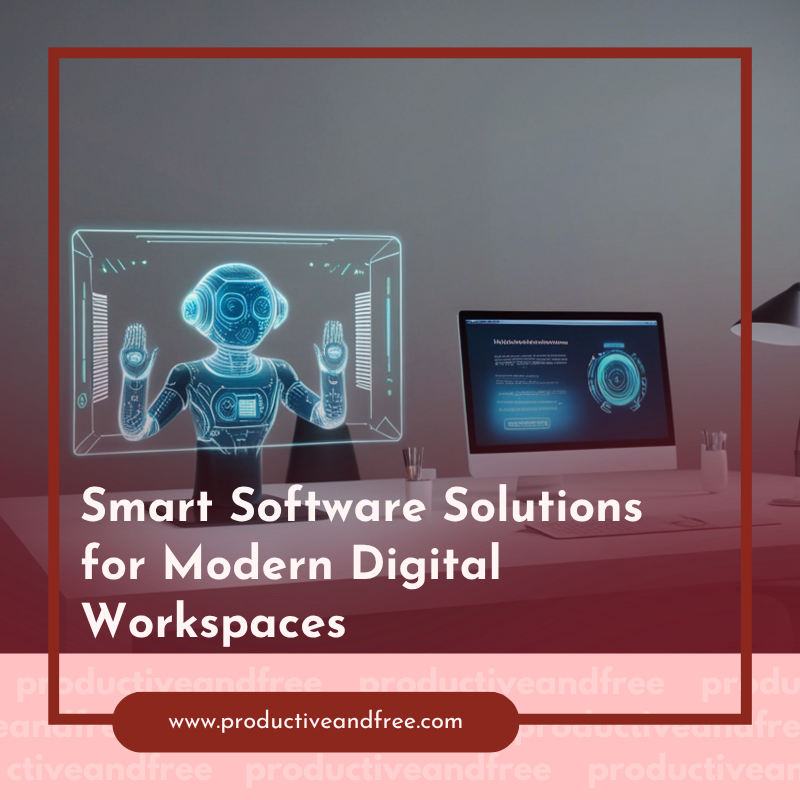
The way we work has changed a lot. The office isn't the only place we get things done anymore; we also get things done at home offices, coffee shops, and co-working spaces. This new reality brought us the modern digital workspace, a set of tools and platforms that let us be productive from anywhere. But just having a bunch of apps isn't enough. To really do well, teams need smart software that connects, automates, and smooths out their daily tasks.
Without thinking things through, our digital tools can get messy and confusing. This leads to information being stuck in different places and a lot of wasted time. The trick is to pick and connect software that works well together. This creates a smooth, efficient environment where people can work together more easily and get more done.
Understanding the Modern Digital Workspace
Let's start by explaining what a digital workspace actually is. It's more than just your laptop and an internet connection. A real digital workspace is a framework that brings together all the technology, applications, and data someone needs to do their job well, no matter where they are. Think of it like your virtual main office.
This setup should let you securely and easily access everything, from communication apps and project boards to company files and specialized business programs. The goal is to make things consistent and easy to use, removing any roadblocks so people can focus on their most important work. A well-designed digital workspace breaks down barriers between departments, makes information easier to find, and establishes a flexible, robust organization.
Centralizing Your Data and Workflow
One of the biggest problems in any digital setup is dealing with the huge amount of information. When documents are scattered across individual hard drives, email inboxes, and various cloud storage accounts, finding what you need becomes annoying and time-consuming. Smart software fixes this by creating a single central place for data and workflows, which improves decision-making and workflow efficiency.
Project management tools like Asana or Trello provide a single, reliable source for team tasks, deadlines, and conversations, keeping everyone on the same page. Cloud-based file systems like Google Drive or Microsoft OneDrive let people work together on documents, spreadsheets, and presentations in real time. For teams that need more structured information, a strong database management system is key.
Having a powerful, easy-to-use tool like the DB Pro database client is essential for retrieving, managing, and viewing information without requiring much technical know-how. Centralizing isn't about limiting access; it's about making information easy to find, secure, and useful for everyone on the team.
Boosting Collaboration with Integrated Tools
Good teamwork is vital for any successful team, and modern software has completely changed how we work together. The days of long email chains and waiting for replies are over. Today's collaboration tools are active, interactive, and built for real-time communication. Platforms like Slack and Microsoft Teams have grown from simple chat apps into powerful hubs that connect with many other services.
These platforms let you make special channels for different projects or topics, share files instantly, and jump on a video call with just one click. But their real strength comes from how they connect with other things. You can get notifications from your project management tool, updates from your sales software, or even run a team-wide poll right inside the chat. These digital workspace solutions create a connected system where context stays clear, and team members can work together efficiently without constantly switching between different apps.

Automating Repetitive Tasks for Peak Efficiency
How much of your day do you spend on small, repeated admin tasks? Copying data from one system to another, sending reminder emails, or manually making reports can eat up valuable time and mental energy. Smart software offers a powerful solution: automation.
Tools like Zapier, Make (formerly Integromat), or even features built into platforms like HubSpot let you create automated workflows, or "zaps," that link your different apps and do tasks for you. For example, you could set up an automation that:
● Automatically creates a new contact in your CRM when a customer fills out a form on your website.
● Sends a notification to a specific Slack channel when a new file is added to a certain Dropbox folder.
● Automatically logs an entry in a Google Sheet when a project task is marked as "complete" in Asana.
These small automations, when used across a team and over time, can save hundreds of hours, reduce mistakes, and let people focus on more important, high-value work.
Securing Your Digital Environment
As our workspaces become more spread out, security becomes even more important. A digital workspace is only as strong as its weakest point, and protecting sensitive company and customer data is a top priority. Smart software offers multiple layers of defense to create secure and efficient workspaces.
This starts with strong identity and access management. Tools that require multi-factor authentication (MFA) ensure only authorized users can access your systems. Virtual Private Networks (VPNs) create a secure, encrypted connection for employees working on public Wi-Fi. Plus, endpoint security software protects individual devices, such as laptops and phones, from malware and other threats. A modern security plan doesn't just block threats; it shows who is accessing what data, from where, helping IT teams find and fix risks before they become problems.
Optimizing Workflows with Smart Analytics
The smartest software doesn't just help you do the work; it helps you understand *how* the work gets done. Many modern platforms come with built-in analytics and reporting features that give useful insights into team productivity, project progress, and potential roadblocks. These tools are especially helpful for managing hybrid spaces where it can be hard to see what's going on.
For example, project management software can create reports showing which parts of a project are taking the longest or which team members have the most work. Time-tracking apps can show how much effort is going into different clients or tasks, helping you price your services more accurately. By regularly reviewing this data, managers can make informed decisions to balance workloads, improve processes, and continually make the team more efficient. This data-driven approach turns your digital workspace from just a collection of tools into a smart system that keeps improving itself.
Building a truly smart digital workspace is an ongoing effort. It means choosing the right tools, connecting them carefully, and being ready to adapt as your team's needs evolve. By focusing on centralizing, collaborating, automating, and securing, you can create a setup that not only supports modern work but also actively improves it.

























Share in the comments below: Questions go here
Ready to elevate your small business? Learn simple AI steps you can start using today to enhance productivity and drive growth effortlessly!