
How Do Business Records Keep You Out of Trouble?
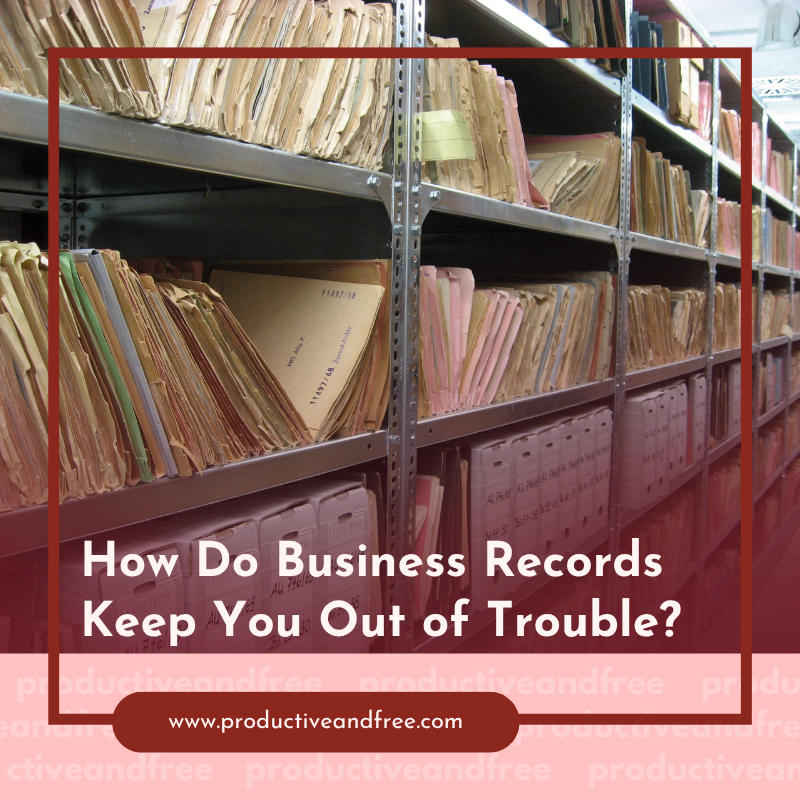
Most founders treat record-keeping as a chore for tax season. In reality, it is one of the strongest legal shields a business has. When questions arise, clean records answer them before they become accusations.
The reverse is also true. Missing or messy records turn a simple inquiry into a drawn-out problem. In a serious dispute, a firm handling criminal defense practice areas will tell you the same thing: documentation decides cases. Building the habit early is pure protection.

Why Do Business Records Matter Legally?
Records are evidence, plain and simple. If a regulator, auditor, or court ever asks a question, your files provide the answer. Good records let you prove what happened and when.
They also establish good faith. A business that keeps accurate, contemporaneous records looks careful, not evasive. That impression matters long before any formal proceeding.
The habit protects the founder personally too. Clear records separate the company's actions from your own. That line can be the difference between a business problem and a personal one.
Think of records as a safety net you hope never to use. You rarely notice them working, but you are very glad they exist when a question lands out of nowhere.
What Records Should Every Business Keep?
Not everything needs saving, but the core categories are non-negotiable. Keep these without exception.
● Financial records, including invoices, receipts, and bank statements.
● Tax filings, with the supporting documents behind each return.
● Contracts, covering clients, vendors, employees, and partners.
● Key communications, especially decisions and approvals in writing.
● Corporate documents, such as formation papers and meeting minutes.
Strong financial habits make most of this automatic. Accounting software captures the money trail, while a simple filing structure handles the rest. Consistency beats any single tool.
Digital copies count fully. A scanned receipt or a saved email holds up as well as paper, provided it is unaltered and time-stamped. A system with gaps invites the very questions it was meant to prevent.
How Long Should You Keep Them?
Retention rules vary, so err on the side of keeping longer. Federal recordkeeping guidance sets baselines, often around 3 years for routine records and up to 7 for certain tax matters. Some documents, like formation papers, you keep forever.

The safest approach is a written retention schedule. It states how long each record type is kept and when it is purged. That policy shows method, not selective deletion.
Cheap storage makes long retention easy. Reliable digital storage, backed up and searchable, removes any excuse to discard early. Space is no longer the constraint it once was.
One rule beats guesswork here. If a record touches money, tax, or a contract, plan to keep it at least 7 years. Everything shorter can follow the standard schedule.
Why Is Deleting Records So Dangerous?
Deleting the wrong thing at the wrong time is a serious risk. Once you know of an investigation or lawsuit, destroying records can be a crime in itself. Reference material on obstruction of justice shows how severely courts treat it.
The instinct to "clean up" is exactly the trap. What feels like tidying can look like concealment after the fact. The safe rule is to preserve everything the moment a dispute appears.
This is where a routine schedule protects you. Deleting on a consistent, pre-set policy is defensible. Deleting selectively, right when trouble starts, is not.
Automatic backups quietly help here as well. When copies exist beyond your immediate reach, there is far less suspicion that anything was removed. The system itself becomes part of your defense.
How Do You Build a Records System That Protects You?
A protective system is simple to set up and easy to maintain. Follow these five steps.
1. Define categories for financial, legal, tax, and corporate records.
2. Choose one place to store each, backed up automatically.
3. Set a written retention schedule for how long each is kept.
4. Automate capture wherever possible, so nothing depends on memory.
5. Freeze all deletion the instant any dispute or inquiry arises.
Good business systems turn this into a background habit. Once the structure exists, staying protected takes almost no daily effort. The setup is the hard part, and it is not very hard.
Review the schedule once a year. Businesses change, and a policy set at launch may miss new record types. A short annual check keeps the whole system current.
What to Remember
● Records are evidence; clean ones answer questions before they escalate.
● Keep financial, tax, contract, communication, and corporate records.
● Retain routine records about 3 years and tax records up to 7.
● Never delete selectively once an investigation or lawsuit appears.
● Build categories, storage, and a retention schedule into your systems.
Protection Built Into the Routine
Legal protection is not something you buy in a crisis, it is something you build in advance. A tidy, consistent records system is quiet insurance against the day a question arrives. Set it up once, automate it, and let the discipline do the defending.
FAQ
How Long Should a Small Business Keep Records?
Keep routine records for about 3 years and tax-related documents for up to 7, with formation papers kept permanently. When unsure, retain longer, since storage is cheap and missing records are costly.
Can Deleting Business Records Be Illegal?
Yes. Destroying records after learning of an investigation or lawsuit can amount to obstruction, a crime in itself. Once a dispute appears, preserve everything and stop any routine deletion immediately.
What Business Records Are Most Important?
Financial records, tax filings and their support, signed contracts, key written decisions, and corporate documents. Together these prove what happened and protect both the company and its owners.
How Do I Organize Records Without Wasting Time?
Automate capture with accounting software, store each category in one backed-up place, and follow a written retention schedule. Built into your systems, record-keeping runs quietly in the background.




























Share in the comments below: Questions go here

Maximize productivity by streamlining your field operations. Explore effective solutions that drive efficiency and elevate your team's performance!