
Best Automatic Video Subtitle Tools Worth Trying This Year
When it comes to making video content, one thing that isn't negotiable is having captions on your videos. You need your videos to be accessible whether people watch on mute, or they are hearing impaired, or for any other reason, such as not being fluent in the language of your video. And if you don't have a caption, you're losing a big chunk of your audience who will roll on by as they can't listen with the sound on.
Did you also know that captions help with SEO too? While accessibility is important, if you want your videos to be indexed, then you need captions to explain what they're all about. But creating captions can be time-consuming, especially if you need to create captions in more than one language. And not all creators have the time to spare to do this correctly.
This is where automatic subtitle generators come into the picture. They bridge the gap, allowing creators to easily caption content, and modern tools are much more capable than they once were and can handle anything from basic transcription through to full animated caption styles and multi-language translation.
Let's take a look at five of the best automatic video subtitle tools.
EchoWave
EchoWave is a free browser-based video and audio editor with auto subtitles built right into the workflow rather than bolted on as an afterthought. You can upload a video, and it transcribes the spoken audio automatically, meaning there's no manual typing involved or timestamping needed. And everyone knows just how much writing time this alone can save.
However, where EchoWave stands out from other auto caption tools is the sheer range of styling options available to users. There are 176 caption styles in total, including karaoke-style word highlighting animations where each word flies up as it's spoken, which has become something of a staple look for short-form video.
You can also translate into 86 languages, meaning open video can serve a much wider audience. And then once the captions are done, EchoWave gives you flexibility on the export too; you can bake captions directly into the video for platforms that don't support separate caption files or export standalone SRT, TXT, and VTT files if you'd rather manage captions independently. And because the subtitle tool sits in a much bigger free editor — a multitrack timeline, up to 8K export, 63 AI voice options, audio visualizer and more than 90 free single-purpose tools, there's a whole lot more on offer than just captions.
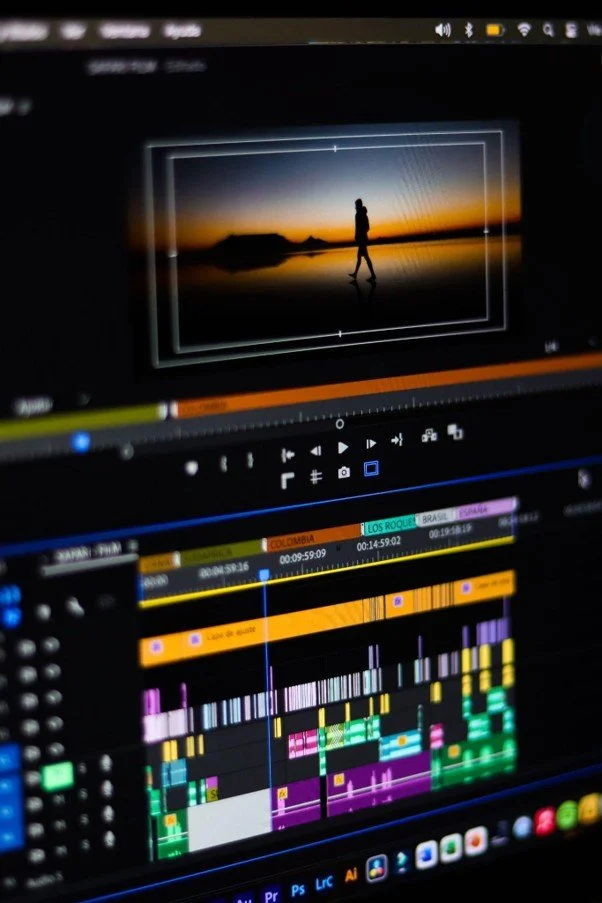
Kapwing
Kapwing is an online video editor that claims 99% accuracy on its auto subtitle generator and offers over 100 preset caption styles, including word-by-word highlight animations. You can translate your video into 100+ languages, and it also detects multiple speakers and can split them into separate subtitle sections you can style individually. This is great for panel discussions or co-hosted content.
Additional benefits include full closed captioning, not just for spoken dialogue but for special effects too, and exports include SRT, VTT, and TXT, plus downloadable transcripts.
VEED.io
If you're looking for an AI video creation platform with subtitles as one of several core tools, then VEED is something you need to know about. It claims up to 99.9% transcription accuracy and translates into over 125 languages. However, where VEED really excels is with its animation variety. You get styles like Glide, Pulse, Handwritten, Whisper, and Fusion, plus there's an “AI Emphasis” option that automatically highlights the most impactful words as the presenter speaks. Export options include having subtitles hardcoded, or you can download SRT/VTT/TXT files. It is free to get started, but unlocking longer videos requires upgrading to paid plans.
CapCut
CapCut is one of the more well-known tools on this list, and it's something most creators have heard of or used. And it's a full video editor for mobile and desktop. It has an auto caption generator. It can also transcribe speech and translate it into multiple languages too.
One of the plus points of CapCut is that customization goes deep. There are preset animations and granular keyframe-based custom animations for individual captions rather than applying one style across the board. You can use CapCut for free with no watermark, or you can pay for the Pro tier to add extra effects and features.
Submagic
Submagic is narrower in scope than others on this list, and the reason for this is that it's built specifically around captioning and short-form editing rather than being a full general-purpose video editor. It boasts 99% accuracy across 48 languages natively, with translation/dubbing support extending to 100+ different languages.
You can use over 35 animated caption styles to highlight bounce and fade in sync with speech, plus extras like B-roll insertion, auto zoom, and eye contact correction bundled into the same workflow. You can opt for a free plan or choose paid options for more videos and no watermark.
How to Choose the Right Automatic Subtitle Tool
The main split you'll notice from this list is the choice between full video editors that happen to include a strong subtitle tool versus a tool built specially around captions and short-form editing.
If subtitles are just one part of a bigger editing workflow, then a full editor with this included makes more sense. But if your subtitles are the main event, then you can opt for a dedicated tool that's likely going to be faster to work with. Beyond that, language support, caption style variety, and whether exports come with a watermark are worth checking out against the plans you're considering.
FAQs
Do these tools transcribe accurately?
Most claim accuracy for these tools sits in the high 90s or above, but proper names, jargon, and background noise can all trip up speech-to-text systems, so it's always worth doing a quick review before publishing.
Is a bigger language list always better?
Not necessarily. What matters more is whether the languages you need are covered well.
Do free plans come with restrictions?
Usually, yes, there are always restrictions in one form or another. Be it via watermarks on exports, a cap on videos per month, or limits on caption file downloads. It's always worth checking what a free tier includes before relying on it.

























Share in the comments below: Questions go here

Discover the top 5 signs that your hiring process may be driving away talented candidates. Improve your recruitment strategy and attract the best talent today!